Quick answer: To train an AI receptionist, give it a structured briefing: your services, pricing rules, opening hours and exceptions, service area, policies, booking rules and escalation triggers. Then test it with real caller questions and review the first weeks of calls. The quality of the answers depends far more on the information you supply than on the technology.
Brief it like a new hire
The easiest mental model is onboarding a new front-desk employee. You would not say “answer the phone”. You would explain what the business does, what things cost, when you open, what you never promise and when to fetch the owner. An AI receptionist needs exactly the same briefing, written down.
Generic receptionists sound generic because they were given generic information. A receptionist trained on a business’s actual services, pricing parameters and shop policies sounds like someone who works in the shop.
The seven inputs that matter
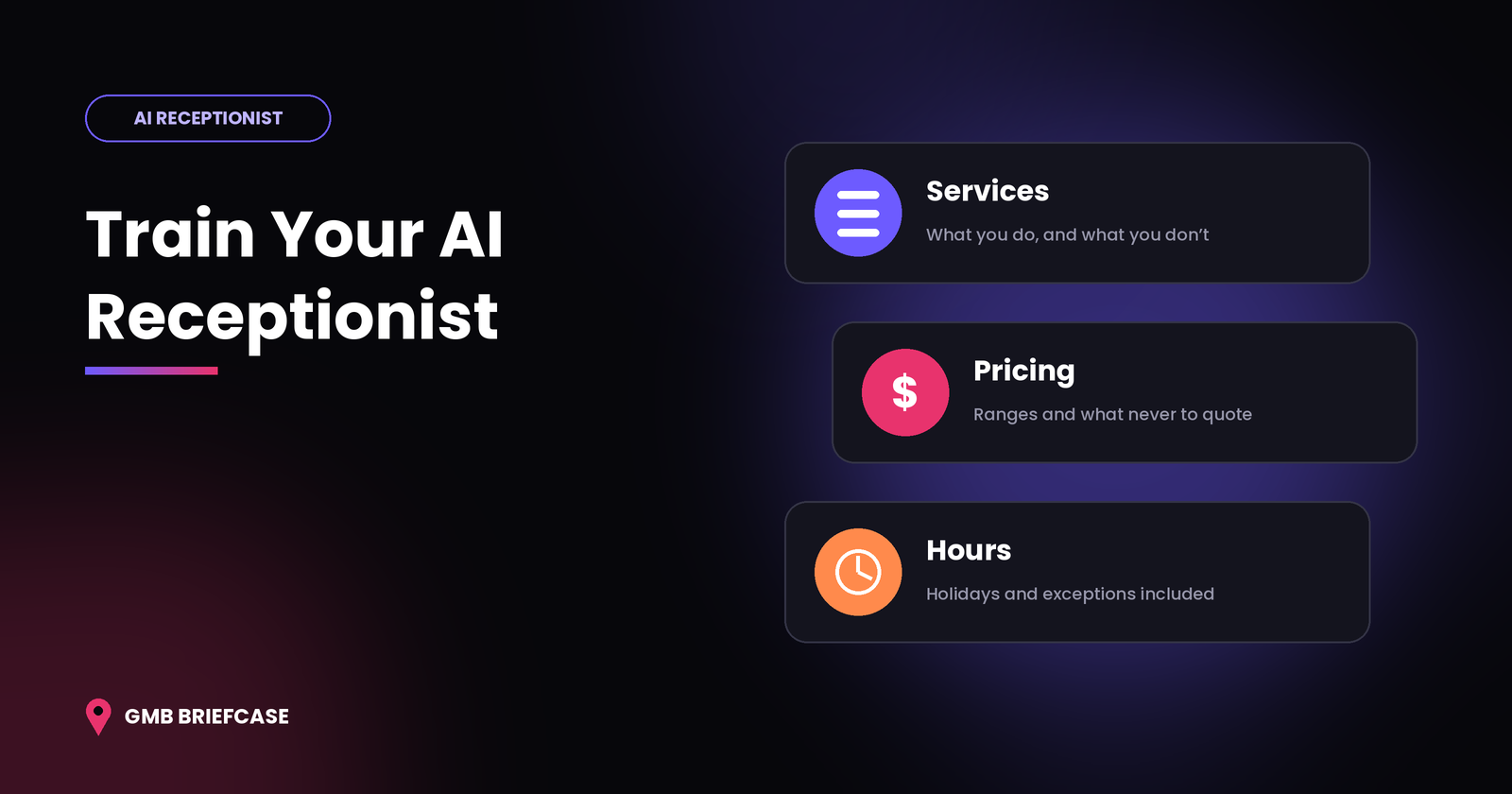
- Services. List every service with a one-line plain-language description. Include what you do not offer, so the receptionist can decline politely instead of guessing.
- Pricing rules. Decide what the receptionist may quote. Typical options are a fixed price, a “from” price, a range, or “we’ll quote after an inspection”. If a price depends on variables, list the variables.
- Hours and exceptions. Add regular hours, holiday closures, seasonal changes and any after-hours emergency arrangement.
- Location and service area. Include the address, parking notes, nearby landmarks and the areas you cover. Callers often ask “do you come to my area?”.
- Policies. Cancellation terms, deposits, payment methods, warranties and walk-in rules all belong here.
- Booking rules. Set appointment lengths, buffers between jobs, how far ahead people can book and who handles which service.
- Escalation triggers. Define when the receptionist should hand over: an emergency, an upset caller, a request for a person, or any topic outside its brief.
Where to find the raw material
You rarely have to write from scratch. Good sources include the Google Business Profile services and questions, the website FAQ, recent customer reviews, past invoices and quotes, and, with the appropriate consent, recordings or notes from real calls. Real calls are the most valuable source because they show how customers actually phrase things.
Write answers the way you want them spoken
Phone answers are short. Where a web page might use a paragraph, a caller needs one or two sentences. Draft each answer in a spoken style:
- Written: “Our standard consultation is a 30-minute appointment costing between X and Y depending on the case.”
- Spoken: “A standard consultation is about thirty minutes, and it usually costs between X and Y. Would you like me to book one?”
End answers with a next step, because the aim of the call is an action, not an explanation.
Set guardrails for what it should not say
Topic | Safe approach |
|---|---|
Exact prices that vary | Give a range and explain it depends on the job |
Medical, legal or safety advice | Do not advise; offer a booking or a callback |
Discounts and special deals | Only mention offers listed in the briefing |
Information it does not have | Say so, take details, and promise a callback |
Disclosure | Be open that the caller is speaking with an automated assistant |
The “I don’t know” rule matters most. A receptionist that admits a gap and captures a callback request protects the business. One that improvises can promise things you cannot deliver.
Test before you go live
Write twenty realistic questions, including awkward ones: a caller who changes their mind, one who asks about a service you do not provide, someone with a strong accent, and a call from a noisy street. Run them all as test calls. Note every wrong or vague answer and fix the briefing, not just the single reply.
Review in the first weeks
Read the transcripts of the first batch of live calls. Look for questions that came up repeatedly and were answered badly, topics that should have triggered a handover, and information that has changed since you wrote the briefing. Most businesses find a handful of gaps in week one and very few after the first month.
Keep it current
Prices, hours and offers change. Add one line to the monthly routine: update the receptionist’s briefing whenever the business updates its Google Business Profile.
FAQ
How long does it take to train an AI receptionist? A basic briefing can be written in an afternoon. The refinement period, where you fix gaps found in real calls, takes a few weeks.
What information does an AI receptionist need? Services, pricing rules, hours, location, policies, booking rules and escalation triggers.
Can an AI receptionist give wrong prices? It can if it was given unclear information. Supplying ranges and clear rules, and telling it what not to quote, reduces the risk.
Link note: Link “train an AI receptionist” (or “AI receptionist”) in the section “Brief it like a new hire” to https://gmbbriefcase.com/ai-receptionist/. Optional second anchor: “AI receptionist trained on your services, pricing and hours”.