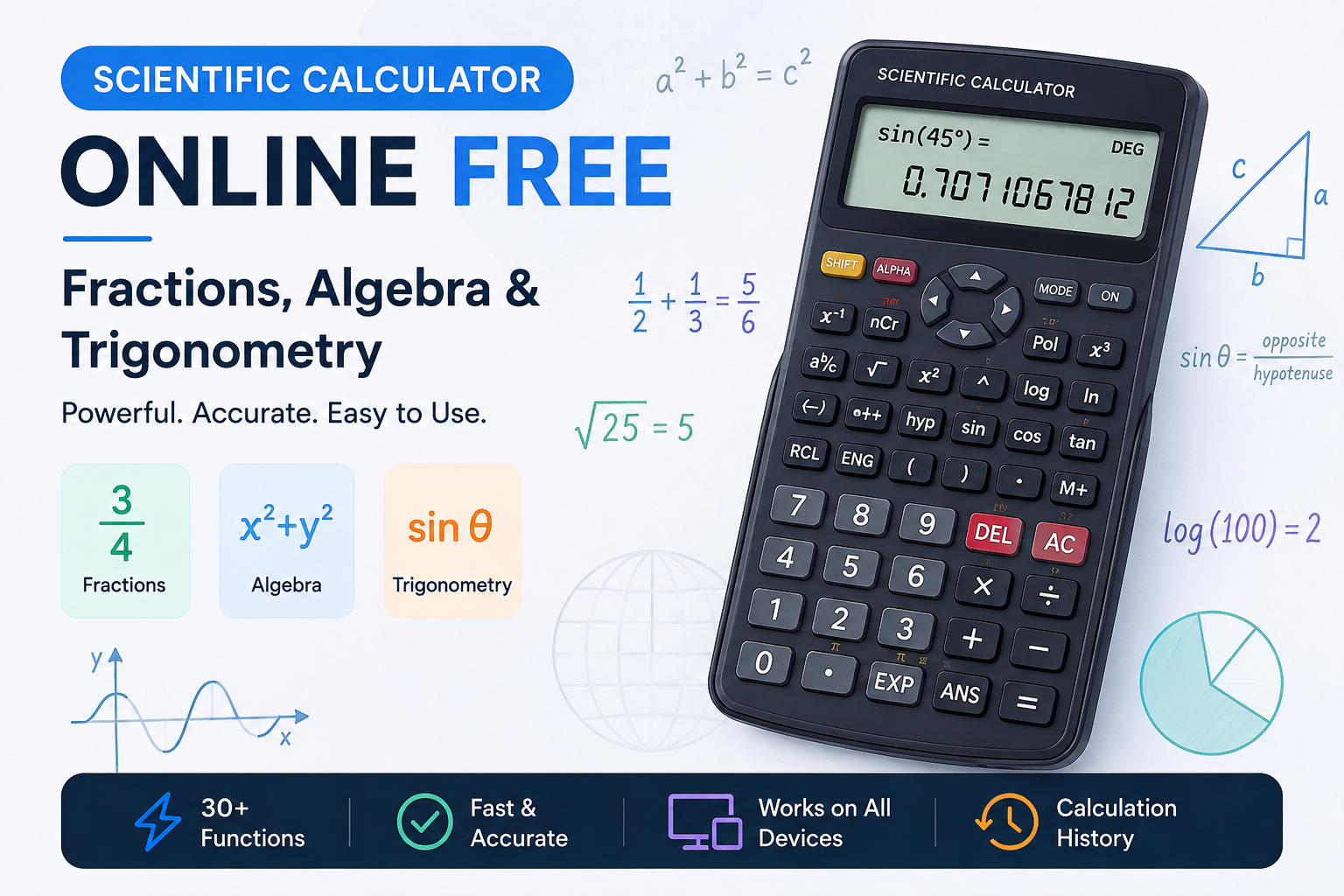
Mathematics becomes much easier when you have the right tools for the job. While a basic calculator can handle simple addition, subtraction, multiplication, and division, many school, college, engineering, and science problems require more advanced functions. Fractions, powers, square roots, logarithms, and trigonometry are just a few examples of calculations that can become difficult to solve manually.
A free online scientific calculator gives you access to these advanced mathematical functions directly from your browser. You do not need to purchase a physical calculator or install an application. You can simply open the calculator, enter your expression, and get your result.
If you are looking for a convenient tool for advanced mathematics, try this free online scientific calculator. It provides more than 30 mathematical functions, including fractions, algebra operations, trigonometric functions, logarithms, powers, roots, and more.
What Is a Scientific Calculator?
A scientific calculator is an advanced calculator designed to perform mathematical operations that are not normally available on a basic calculator. It is commonly used for subjects such as algebra, geometry, trigonometry, physics, chemistry, statistics, and engineering.
Instead of using separate tools for different types of calculations, a scientific calculator brings many functions together in one place. You can calculate powers and roots, work with fractions, evaluate logarithms, and solve trigonometric calculations using functions such as sine, cosine, and tangent.
An online version provides the same type of convenience without requiring a physical device. This makes it particularly useful for students who need to check calculations while studying or completing homework.
Free Online Scientific Calculator for Fractions
Fractions are an important part of mathematics, but calculating with them manually can sometimes be time-consuming. A scientific calculator with a dedicated fraction mode makes these calculations much easier.
For example, if you need to add one-half and one-third, the exact result is five-sixths. A calculator that works with fractions can keep the calculation in fractional form rather than immediately converting the values into decimals.
The CalculatorsKit scientific calculator includes a FRAC mode that allows users to enter fractions directly. You can enter the numerator, enter the denominator, and then perform addition, subtraction, multiplication, or division. The resulting fraction is automatically simplified.
This can be especially useful when working on algebra homework or mathematical exercises where an exact fraction is required instead of a decimal approximation.
Scientific Calculator for Algebra
Algebra involves many mathematical operations that are difficult to perform efficiently with a basic calculator. Scientific calculators provide functions that make common algebra calculations faster and easier.
For example, you can calculate squares using the x² function, cubes using x³, and other powers using xʸ. Square roots and cube roots can also be calculated directly.
Suppose you need to find the square root of 169. Instead of working it out manually, you can enter 169 and use the square root function to get 13. Similarly, you can calculate 2⁸ and get 256.
The calculator also includes functions such as absolute value, factorial, modulo, floor, ceiling, and reciprocal. These features make it useful for a wide range of algebraic calculations.
Trigonometry Calculator for Sin, Cos and Tan
Trigonometry is one of the most common reasons students and professionals use scientific calculators. The main trigonometric functions are sine, cosine, and tangent.
These functions are used to calculate relationships between angles and sides of right triangles. They are important in geometry, physics, engineering, construction, and many other technical fields.
With an online scientific calculator, you can enter an angle and use the sin, cos, or tan function to calculate its value. Inverse trigonometric functions are also available when you need to find an angle from a known ratio.
One important thing to remember is that trigonometric calculations depend on the selected angle mode.
Degrees and Radians
Scientific calculators normally allow you to switch between degrees and radians. Choosing the correct mode is essential when performing trigonometric calculations.
For example, the result of sin(90°) is 1 when the calculator is set to degree mode. If the calculator is set to radians, entering 90 represents 90 radians and produces a completely different result.
The calculator includes a RAD/DEG toggle, allowing you to switch between the two angle units. Before calculating sin, cos, or tan, always check the selected mode to make sure it matches the question you are solving.
Logarithms and Exponential Calculations
Scientific calculators are also useful for logarithmic and exponential calculations. Common functions include log, ln, and log₂.
The log function is commonly used for base-10 logarithms. For example, log(100) equals 2 because 10² equals 100. The ln function represents the natural logarithm and is based on the mathematical constant e.
These calculations are useful in mathematics, chemistry, physics, statistics, and computer science. Exponential functions such as eˣ and 10ˣ can also be accessed when solving problems involving exponential growth, decay, or mathematical formulas.
Powers, Roots and Factorials
Powers and roots appear frequently in mathematics and science. A scientific calculator can perform these calculations much faster than manual methods.
The x² function can be used to square a number, while x³ calculates its cube. The xʸ function allows you to raise a number to a chosen power. Square root and cube root functions are also available for reversing these operations.
Factorials are another useful mathematical function. For example, 5! means 5 × 4 × 3 × 2 × 1, which equals 120. Factorials are commonly used in probability, combinations, permutations, and other mathematical calculations.
How to Use a Scientific Calculator Online
Using an online scientific calculator is simple. First, open the calculator and enter the numbers or mathematical expression you want to calculate. You can use the buttons displayed on the screen or enter supported operations through your keyboard.
If you are working with fractions, select FRAC mode and enter the numerator and denominator. For trigonometric calculations, check whether you need DEG or RAD mode. For powers and roots, select the appropriate function before entering the required values.
The calculator also supports keyboard input, making it convenient for users who prefer typing mathematical expressions rather than clicking every button.
Calculation History and Memory
When solving a long mathematical problem, calculation history can be extremely useful. Instead of trying to remember previous results, you can review earlier calculations and reuse a result when necessary.
The calculator provides a history feature that stores previous calculations. You can select an earlier result and place it back into the calculator display.
Memory functions are also available for storing and recalling values. These features can make multi-step algebra and scientific calculations easier to manage.
Who Can Use a Scientific Calculator?
A scientific calculator is useful for many different users. Students can use it for algebra, trigonometry, physics, chemistry, and other academic subjects. Teachers can use it when demonstrating mathematical calculations in class.
Engineers can use scientific functions for technical calculations involving angles, powers, logarithms, and other mathematical expressions. Science students can also benefit from logarithmic and exponential functions when working through physics and chemistry problems.
Because an online scientific calculator works on phones, tablets, and computers, it can be accessed whenever a quick mathematical calculation is needed.
Tips for Accurate Calculations
Getting the correct result depends not only on the calculator but also on entering the expression correctly. Before using trigonometric functions, always check whether the calculator is in degree or radian mode.
When working with fractions, use fraction mode if you need an exact fractional result. This can prevent unnecessary rounding during multi-step calculations.
For longer expressions, use parentheses where necessary and check each part of the calculation carefully. If you make a small typing mistake, correcting the individual entry is often better than clearing the entire calculation.
You can also use the history feature to review previous calculations and identify where an incorrect value may have been entered.
Why Use a Free Online Scientific Calculator?
The biggest advantage of an online scientific calculator is convenience. You do not have to carry a physical calculator with you or install additional software. Everything is available directly through your web browser.
The CalculatorsKit tool provides more than 30 advanced mathematical functions, including fractions, trigonometry, logarithms, powers, roots, factorials, and algebra-related operations. It also provides keyboard support, calculation history, memory functions, and a responsive interface for different devices.
Whether you are solving homework, checking an equation, calculating a trigonometric value, or working through a scientific formula, an online scientific calculator can save time and make advanced calculations more convenient.
Final Thoughts
A free online scientific calculator can make advanced mathematics much easier and faster. From fractions and algebra to trigonometry, logarithms, powers, roots, and factorials, a scientific calculator provides the functions needed for many different types of mathematical problems.
Whether you are a student, teacher, engineer, or science learner, having an advanced calculator available in your browser can save time and help you verify your calculations. If you need a convenient calculator with fractions, algebra functions, trigonometry, logarithms, and more, you can use the CalculatorsKit Scientific Calculator to perform your calculations online.