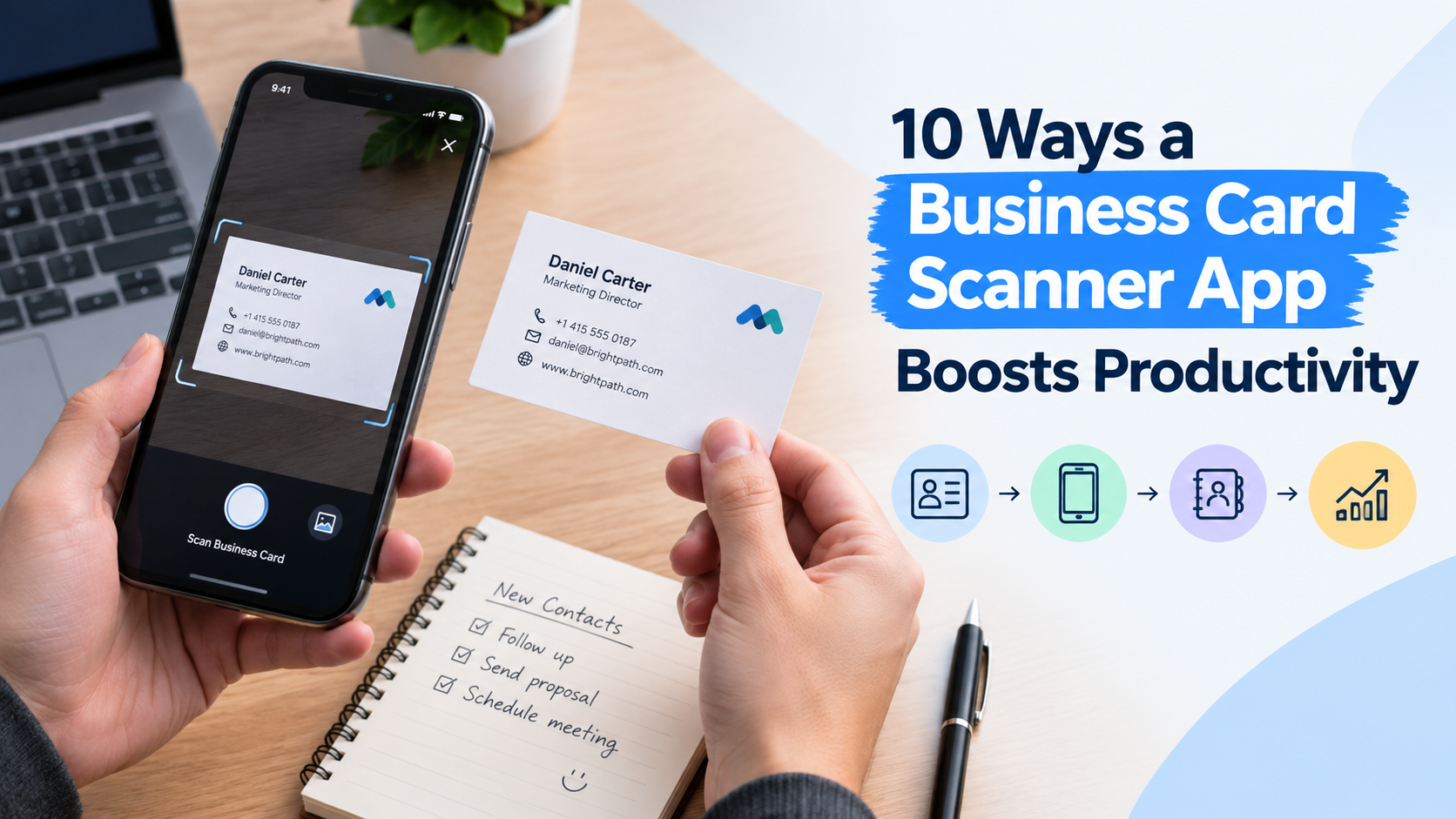
Networking events, conferences, and client meetings often leave professionals with a stack of paper cards and no easy way to organize them. Manually typing each contact into a phone or spreadsheet eats up valuable time and invites errors. That's where digital scanning tools come in, turning a tedious chore into a quick, automated task. Here are ten ways this kind of tool can transform how you manage professional contacts and reclaim hours in your week.
Why Digital Scanning Matters
Before diving into the specific benefits, it's worth understanding the shift this technology represents. A Business card scanner app takes the manual, error-prone process of contact entry and replaces it with an automated one, forming the foundation for every advantage described below.
1. Instant Digitization of Contacts
Instead of manually keying in names, numbers, and emails, a quick scan converts printed text into digital data within seconds. This eliminates the need to squint at tiny fonts or decipher unusual layouts, saving significant time after every meeting or event.
This is especially valuable at busy conferences or trade shows, where dozens of cards can be collected in a single afternoon. Rather than setting the stack aside for "later," which often means never, professionals can process each card the moment it's handed over, ensuring nothing gets lost or forgotten in the shuffle. For teams focused on trade show lead capture, this real-time processing is what turns a pile of collected cards into an actionable pipeline instead of a forgotten drawer of paper. The result is a contact list that stays current, built in real time rather than reconstructed from memory days after the event.
2. Reduced Data Entry Errors
Typos are a common problem when transferring information by hand. Optical character recognition technology reads text accurately, minimizing mistakes in phone numbers, email addresses, and job titles that could otherwise lead to missed opportunities.
A single transposed digit in a phone number or a misspelled email address can mean a lost deal or an awkward follow-up that never reaches its intended recipient. Automated text recognition removes much of this risk by capturing the exact characters printed on the card, rather than relying on someone's interpretation of a hastily read font. Many tools also let users review and correct the scanned fields immediately, catching the rare misread character before it becomes a permanent record.
3. Centralized Contact Management
Rather than juggling a messy pile of cards in a drawer, all contacts land in one searchable digital database. This centralization makes it easy to look up a person's details months later without digging through old business card holders.
Over time, paper-based systems tend to fragment: some cards end up in a wallet, others in a desk drawer, and a few inevitably get lost in a jacket pocket or thrown away by mistake. A centralized digital record solves this by giving every contact a permanent, searchable home. Typing in a name, company, or even a partial detail can instantly surface the right entry, turning what used to be a frustrating search into a task that takes only seconds.
4. Seamless CRM Integration
Many of these tools sync directly with popular customer relationship management platforms. New contacts flow automatically into existing sales pipelines or marketing lists, removing the extra step of manual uploads and keeping records current.
This direct connection matters most for sales and business development teams, where every new lead needs to be tracked, assigned, and followed up on without delay. Instead of exporting spreadsheets or copying details field by field into a CRM, a scanned contact can appear in the pipeline within moments, complete with notes on where and when the connection was made. This tighter integration also reduces the chance that a promising lead slips through the cracks between the networking event and the sales process.
5. Faster Follow-Ups
Speed matters after a first meeting. Once a contact is digitized, sending a quick introductory email or connection request becomes almost immediate, helping build relationships while the conversation is still fresh in everyone's mind.
Research on networking consistently shows that faster follow-ups lead to stronger recall and higher response rates, simply because the interaction hasn't faded from memory yet. When contact details are ready to use right away, there's no delay caused by hunting for a card or squinting at handwriting scribbled on the back. This immediacy can be the difference between a lead that turns into a lasting business relationship and one that quietly goes cold.
6. Better Organization with Tags and Notes
Beyond just storing names and numbers, users can add tags, categories, or personal notes right after scanning. This context makes it simple to remember where a contact was met or what was discussed, which is especially useful for salespeople managing dozens of leads.
A name and phone number alone rarely tell the full story of a relationship. Adding a quick note about the event, a shared interest, or a specific pain point discussed during the conversation turns a flat contact entry into something genuinely useful for future outreach. Tags also make it possible to filter contacts by category, such as "hot lead," "vendor," or "conference 2026," so the right group of people can be found instantly when a targeted follow-up campaign is needed.
7. Access from Anywhere
Cloud-based storage means contacts aren't tied to a single device. Whether switching phones, working from a laptop, or checking a tablet on the go, the same up-to-date contact list is always within reach.
This flexibility also protects against the very real risk of losing a phone or having a device damaged. When contacts live only in a physical pile or on a single handset, a lost device can mean losing months of networking effort in an instant. With cloud syncing, a new device can be set up and populated with the full contact history in minutes, and any updates made on one device appear automatically on every other one connected to the same account.
8. Team Collaboration Made Easy
For sales teams and departments handling multiple leads, shared digital databases allow colleagues to view and update contact information collectively. This transparency prevents duplicate outreach and keeps everyone aligned on client relationships.
Without a shared system, it's common for two team members to unknowingly reach out to the same prospect, creating a disjointed and unprofessional impression. A shared contact pool solves this by giving everyone visibility into who has already been contacted, what was discussed, and what the next step should be. This is particularly useful for teams attending the same event or trade show, where multiple people might collect cards from overlapping sets of prospects throughout the day.
9. Environmentally Friendly Record-Keeping
Cutting down on physical storage of paper cards supports a more sustainable office environment. Digital records also reduce the risk of losing information due to damaged or misplaced paper items.
Paper cards are also vulnerable to everyday hazards that digital records simply don't face: coffee spills, faded ink, torn corners, or a card left behind in a hotel room after a business trip. By moving contact information into a digital format, businesses reduce their reliance on printed materials and physical filing systems, which can also translate into lower costs for card holders, filing cabinets, and other office supplies once used to manage paper-based contact archives.
10. Time Savings That Add Up
Perhaps the biggest advantage is the cumulative time saved. What once took minutes per contact now takes seconds, and over weeks or months, those saved minutes translate into hours that can be redirected toward building relationships and closing deals.
Consider a professional who attends several events a month and collects twenty or thirty cards at each one. Manually entering that volume of information could easily consume an hour or more of administrative work every week. Multiplied across a sales team or an entire organization, those hours represent a substantial amount of productive time that can instead be spent prospecting, meeting clients, or closing new business.
Final Thoughts
Adopting a reliable digital scanning tool can streamline one of the most overlooked aspects of professional networking: contact management. From reducing manual errors to enabling instant CRM syncing and team-wide collaboration, the benefits extend far beyond simple convenience. For professionals who regularly attend events, meet new clients, or manage growing networks, this small shift in workflow can lead to noticeably better organization and more productive use of time.